








Make the Most of the FTC Offseason
Quick Summary: The FTC offseason gives teams valuable time to build skills, train new members, and improve their approach before the pressure of competition begins. Through programming, CAD, robot design, driver training, and team organization projects, teams can develop the experience and processes needed to design, build, program, and compete more effectively when the new season begins.
Success during the offseason isn't about building the perfect competition robot before kickoff. It's about creating a stronger foundation through learning, experimentation, and continuous improvement.
Why FTC Offseason Preparation Matters
While the competition season moves quickly, the offseason gives teams valuable time to learn, experiment, and improve without the deadlines of an upcoming tournament. Teams can use this time to strengthen technical skills, train new members, test new ideas, and create better processes for the upcoming season. Some of the biggest benefits of FTC offseason preparation include:
| Focus Area | How It Helps Teams |
| Training new members | Gives students time to learn robotics fundamentals without competition pressure |
| Developing technical skills | Allows teams to improve programming, CAD, mechanical design, and building skills |
| Testing new ideas | Provides time to experiment with designs and technologies before they are needed |
| Improving organization | Helps teams create better documentation, organize files, and improve workflows |
| Reviewing past performance | Allows teams to identify strengths and areas for improvement |
FTC Offseason Planning Roadmap
A structured approach helps teams stay focused and make the most of their offseason time.
| Offseason Phase | Team Focus |
|---|---|
| Evaluate & Plan | Review the previous season, identify areas for improvement, establish goals, and organize team resources. |
| Strengthen Skills | Develop programming, CAD, mechanical, and driver skills through hands-on projects. |
| Experiment & Improve | Test new designs, explore advanced concepts, and refine robot performance. |
| Prepare for Kickoff | Finalize documentation, organize tools and files, and ensure the team is ready for the new season. |
The goal is not simply to stay busy during the offseason. Each project should help team members develop skills that will translate into stronger performance during competition.
 Tip #1: Evaluate Your Previous Season
Before starting new projects, teams should take time to reflect on the previous competition season. Understanding what worked well and what needs improvement helps teams choose meaningful offseason goals. Here are some questions to consider:
📌 Evaluating Your Previous Season Checklist
| Season Evaluation Checklist | ✓ |
|---|---|
| What worked well? | |
| Reliable mechanical systems | ☐ |
| Effective autonomous routines | ☐ |
| Strong driver performance | ☐ |
| Successful outreach efforts | ☐ |
| Good team communication | ☐ |
| What challenges did your team face? | |
| Programming took longer than expected | ☐ |
| Robot reliability issues | ☐ |
| Not enough driver practice | ☐ |
| Designs were difficult to build or maintain | ☐ |
| New members needed more learning opportunities | ☐ |
| Which skills should your team focus on this offseason? | |
| Programming | ☐ |
| CAD design | ☐ |
| Mechanical assembly | ☐ |
| Robot reliability | ☐ |
| Driver training | ☐ |
| Documentation | ☐ |
| Team organization | ☐ |
Tip #2: Boost Programming Skills
Programming skills are one of the most valuable areas teams can develop before the season begins. Many programming concepts carry over from year to year, allowing students to build knowledge that can be applied to future robots.
🟠 Beginner Programming Projects
Beginner projects should focus on building a strong foundation with the FTC SDK.
| Project | Skills Developed | Successful Outcome |
| TeleOp Drive Program | Gamepad controls, motor control, hardware mapping | Robot responds consistently to driver inputs |
| Encoder-Based Driving | Encoder feedback, motor movement control | Robot can drive specific distances or angles |
| Basic Sensor Integration | Using sensors and telemetry | Robot can detect and respond to sensor input |
🟡 Intermediate Programming Projects
Intermediate projects help teams improve driver control, automation, and overall robot performance.
| Project | Skills Developed | Successful Outcome |
|---|---|---|
| Field-Centric Mecanum Drive | Coordinate systems, IMU integration, driver controls | Drivers can control the robot relative to the field instead of robot orientation |
| Driver-Assist Features | Automation, programming logic, operator interface | Robot assists drivers with common tasks to improve consistency |
| Automated Scoring Positions | Presets, motors and servos, sequencing | Robot can move mechanisms to repeatable scoring positions with a single command |
| Heading Correction | IMU feedback, control algorithms | Robot maintains its heading while driving |
| Multi-Sensor Integration | Sensor fusion, telemetry, decision making | Robot combines multiple sensors to improve reliability and responsiveness |
🟢 Advanced Programming Projects
Advanced projects introduce concepts commonly used by highly competitive FTC teams.
| Project | Skills Developed | Successful Outcome |
|---|---|---|
| Odometry | Robot localization, coordinate systems, encoder calculations | Robot accurately tracks its position on the field |
| PID Control | Feedback control, tuning, mechanism optimization | Lifts, arms, and drive systems move smoothly and consistently |
| Autonomous Navigation | Path planning, coordinate-based movement, sensor-assisted navigation | Robot navigates complex autonomous paths with greater accuracy |
| Motion Profiling | Velocity and acceleration control, trajectory planning | Robot movements become smoother, faster, and more precise |
| Advanced Autonomous Routines | State machines, decision making, reusable code | Team develops a flexible autonomous framework for future seasons |
Tip #3: Improve CAD Skills
CAD skills allow teams to design, test, and improve robot concepts before physically building them. Strong CAD practices can reduce mistakes, improve collaboration, and speed up robot development.
🟠 Beginner CAD Projects
These beginner CAD projects are designed to learn the software and FTC components.
| Project | Skills Developed | Successful Outcome |
|---|---|---|
| Import FTC Component STEP Files | Working with CAD libraries, file management, component placement | Students can accurately use real FTC components in digital designs |
| Create Robot Assemblies | Assembly constraints, part relationships, CAD organization | Students can build complete robot models from individual components |
| Recreate Existing Subsystems | Measurement, reverse engineering, modeling techniques | Students can digitally recreate mechanisms to improve CAD skills |
| Design Simple Drivetrain Layouts | Robot geometry, spacing, component placement | Students can explore different drivetrain configurations before building |
| Organize CAD Files | File structure, naming conventions, team collaboration practices | Teams can maintain organized CAD files throughout the build season |
🟡 Intermediate CAD Projects
These intermediate CAD projects give practice with designing and improving real mechanisms.
| Project | Skills Developed | Successful Outcome |
|---|---|---|
| Design Custom Robot Subsystems | Mechanism design, assemblies, part relationships | Students can create functional CAD models for intakes, lifts, arms, and other robot mechanisms |
| Create Multiple Design Iterations | Design evaluation, prototyping, problem solving | Students can compare different concepts and select designs based on performance requirements |
| Build a Complete Robot Assembly | Subsystem integration, spacing, component placement | Students can combine drivetrain, mechanisms, and electronics into a complete robot model |
| Design for Manufacturability | Material selection, fabrication methods, hardware considerations | Students create designs that are easier to build, assemble, and maintain |
| Create Exploded Views and Documentation | Technical communication, assembly instructions, documentation | Teams can clearly communicate designs and support future robot builds |
🟢 Advanced CAD Projects
These advanced CAD projects give your team practice engineering complete robot concepts and optimizing performance.
| Project | Skills Developed | Successful Outcome |
|---|---|---|
| Design a Custom Drivetrain | Drivetrain geometry, mechanical tradeoffs, gear and belt systems | Students can evaluate design choices and create optimized drivetrain concepts |
| Compare Drivetrain Configurations | Tank drive, mecanum drive, compact vs. wide layouts | Students understand how different designs impact robot performance |
| Integrate Odometry | Odometry pod placement, encoder positioning, design constraints | Students can incorporate localization systems into robot designs |
| Optimize Electronics Routing | Component placement, accessibility, wiring considerations | Students create designs that are easier to build, maintain, and troubleshoot |
| Develop a Complete Robot Concept | Subsystem integration, design iteration, collaboration | Students create a complete CAD model that supports the robot development process |
FTC Offseason Tip #4: Use an FTC Starter Bot to Build Skills
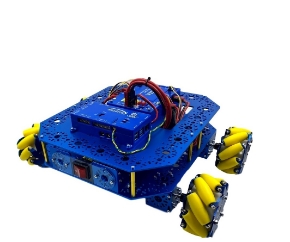
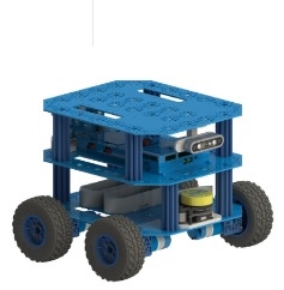
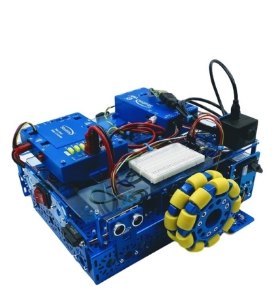
A Starter Bot gives teams a proven robot platform they can use to practice, experiment, and improve throughout the offseason. Instead of waiting for kickoff to begin learning, teams can build programming, CAD, mechanical, and driver skills using a robot that's ready to modify and test. 👉 Get ready with the FTC Starter Bot Build Guide from Studica Robotics.
📌 Starter Bot Challenge Ideas
| Starter Bot Challenge | Skills Practiced |
|---|---|
| Create a Custom Drivetrain Solution | Mechanical design, CAD, drivetrain development |
| Test Field-Centric Controls | Programming, IMU integration, driver control |
| Integrate Odometry | Robot localization, encoder programming, autonomous navigation |
| Compare Different Design Approaches | Engineering design, problem solving, design evaluation |
| Improve Wiring and Organization | Electrical organization, maintenance, troubleshooting |
Studica Robotics offers an FTC Starter Bot and FTC-compatible robot building solutions that help teams begin learning, experimenting, and building long before the next competition season starts.
Tip #5: Mechanical Design Challenges
The offseason is the perfect time to experiment with mechanical concepts, compare design options, and gain hands-on engineering experience without the pressure of competition deadlines.
📌 Mechanical Design Challenge Ideas
| Design Challenge | Skills Developed | Successful Outcome |
|---|---|---|
| Design a Custom Intake System | Material selection, roller spacing, motor selection, mechanism design | Students understand how intake design choices affect game piece collection and overall performance. |
| Compare Lift Mechanisms | Mechanical design, linkage systems, linear motion, power transmission | Students evaluate different lift designs to determine the best solution for specific robot tasks. |
| Build Different Drivetrain Designs | Drivetrain design, mechanical assembly, performance evaluation | Students compare Tank, Mecanum, X-Drive, and Kiwi drive systems to understand their advantages and tradeoffs. |
Tip #6: Strengthen Driver Performance
Consistent driver practice helps teams build confidence, improve match performance, and identify opportunities to refine both the robot and its controls before the competition season begins.
📌 Driver Practice Ideas
| Practice Activity | Skills Developed | Successful Outcome |
|---|---|---|
| Scoring Challenges | Accuracy, consistency, robot control | Drivers improve scoring efficiency and confidence. |
| Field Navigation | Robot positioning, spatial awareness, maneuvering | Drivers navigate the field more efficiently during matches. |
| Obstacle Courses | Precision driving, control, reaction time | Drivers build confidence handling challenging situations. |
| Timed Tasks | Speed, decision-making, time management | Drivers complete common game actions more efficiently. |
| Mock Matches | Match strategy, teamwork, communication | Teams gain realistic competition experience before the season. |
| Endgame Strategies | Planning, timing, driver coordination | Drivers execute endgame tasks with greater consistency. |
Tip #7: Improve Team Organization
The offseason is an ideal time to improve team organization and establish processes that help projects run more efficiently throughout the competition season.
📌 Team Organization Ideas
| Organization Task | Benefits | Successful Outcome |
|---|---|---|
| Organize CAD Files | Improves collaboration and file management | Team members can quickly locate and update design files. |
| Document Robot Designs | Preserves design decisions and lessons learned | Future robot development becomes more efficient. |
| Create Programming Standards | Improves code consistency and collaboration | Programs are easier to understand, maintain, and expand. |
| Inventory Parts and Tools | Reduces downtime and improves planning | Teams know what components are available before the build season. |
| Train New Members | Builds technical knowledge and confidence | New students are prepared to contribute earlier in the season. |
| Plan Outreach Activities | Supports team growth and community engagement | Outreach efforts are organized and easier to execute. |
| Establish Team Roles | Clarifies responsibilities and improves teamwork | Team members understand their roles and work more effectively together. |
Build Better Robots with Studica Robotics
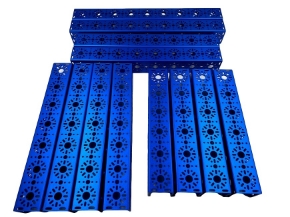
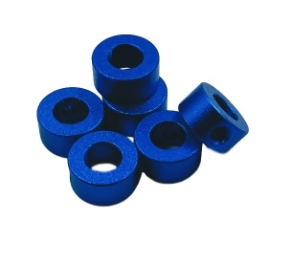
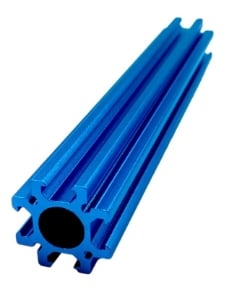
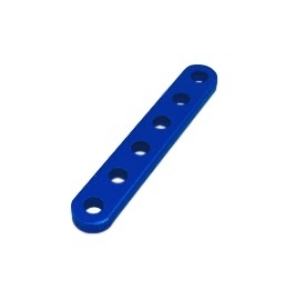
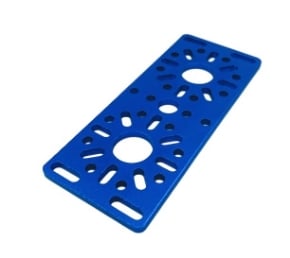
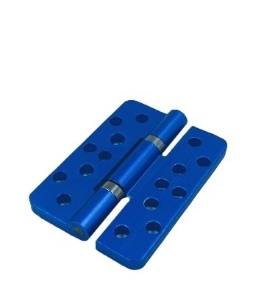
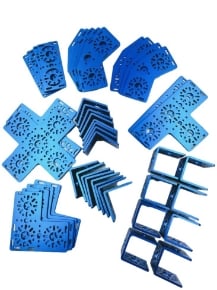
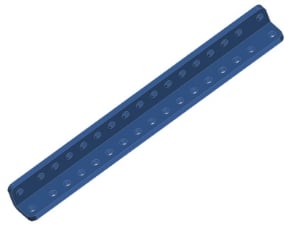
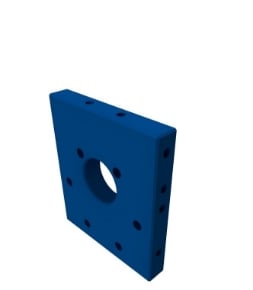
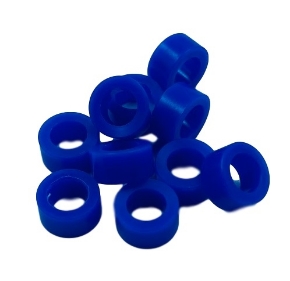
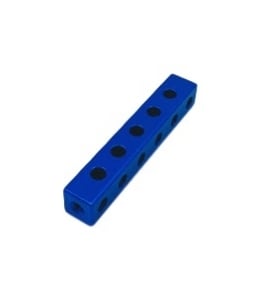
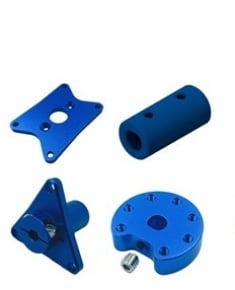
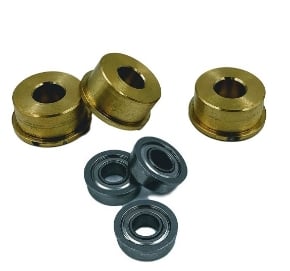
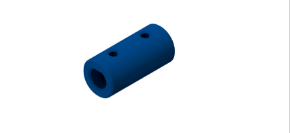
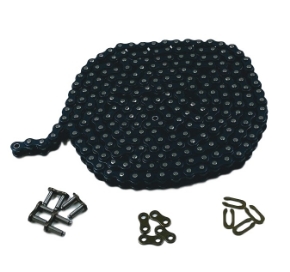
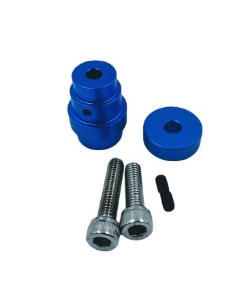
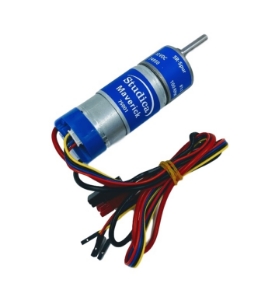
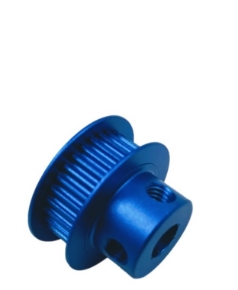
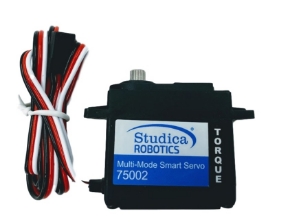
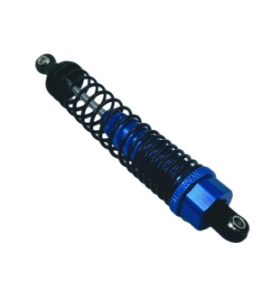
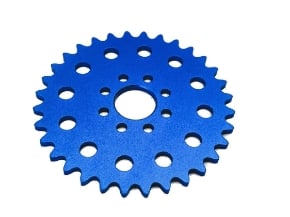
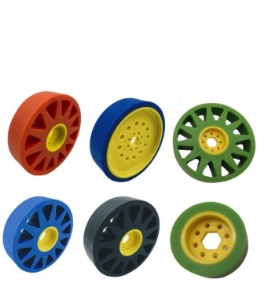
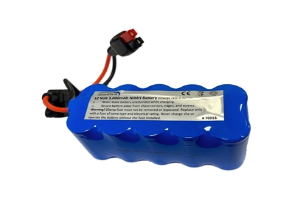
 Having reliable building components allows teams to spend more time designing, testing, and improving their robots. Studica Robotics provides FTC teams with affordable, competition-ready robot parts, building systems, and resources to support offseason development. The Studica Robotics building platform includes FTC-compatible structural components, motion components, electronics, hardware, and robot kits designed for classroom learning, team training, and competition use. Teams can also explore different robot designs with durable aluminum structural components available in multiple colors, including blue, green, gold, red, silver, and black. The 6061-T6 aluminum structure system provides a strong, safe, and versatile foundation for building custom robots. FTC teams can explore FTC robot parts and take advantage of resources including the FTC Starter Bot Resource Guide.
Frequently Asked Questions
What should FTC teams do during the offseason?
FTC teams should use the offseason to develop technical skills, train new members, test robot concepts, practice driving, improve documentation, and prepare team processes before the next competition season.
Should FTC teams build a competition robot during the offseason?
The goal of offseason preparation is not necessarily to build a competition-ready robot. Instead, teams should focus on learning, experimenting, and developing skills that will help them during the official season.
What programming skills should FTC teams learn?
Teams can practice programming fundamentals such as TeleOp control, sensors, encoders, autonomous routines, odometry, and PID control.
How can new FTC members prepare before the season?
New members can learn robot assembly, programming basics, CAD, driving skills, and team processes through offseason projects and Starter Bot activities.
Prepare Your FTC Team for Success Before Kickoff
The offseason provides FTC teams with a valuable opportunity to learn, experiment, and improve. Teams that invest time in skill development, testing, documentation, and organization can enter the next season with stronger technical abilities and a clearer strategy. Whether your team is training new members, exploring advanced programming concepts, improving CAD skills, or testing new robot designs, offseason preparation helps create a stronger foundation for competition success. With the right projects and resources, teams can spend less time learning the basics during the season and more time developing innovative solutions.